The OnePlus 13 promises cutting-edge performance wrapped in sleek design. After a couple weeks of hands-on use, here’s my full review to see if it truly lives up to the hype.
OnePlus 13: First impression
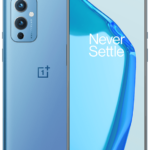
Although the OnePlus 15 just was released recently, the good news is that the OnePlus 13 saw a price drop of roughly 17% during Black Week. Because of that I bought the OnePlus 13 12GB/256GB edition in Black Eclipse. It is going to replace my old OnePlus 9 phone.
Unboxing my OnePlus 13
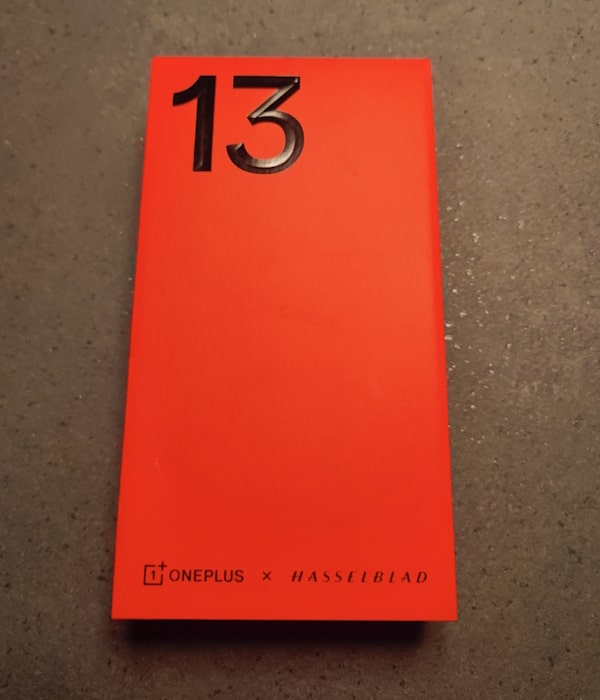
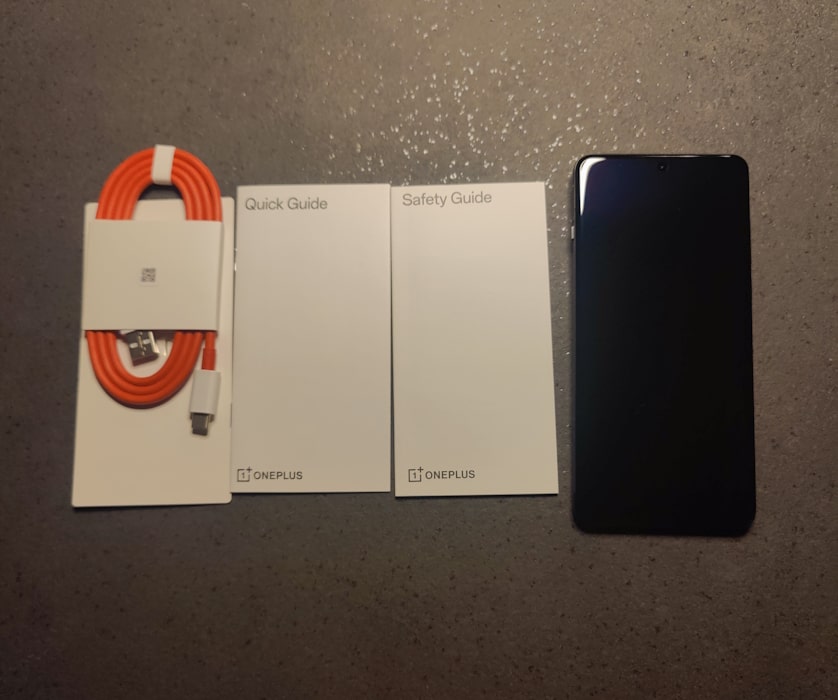
The phone comes in a red solid case. Inside the box is, besides the phone, USB Cable, a Quick Guide and a Safety Guide. As with most smartphones on the market today, a charger is not included. Only a USB cable with USB-A connector you can put in your computer.
Design & Build Quality
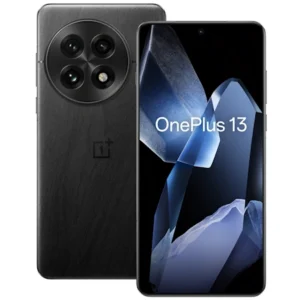
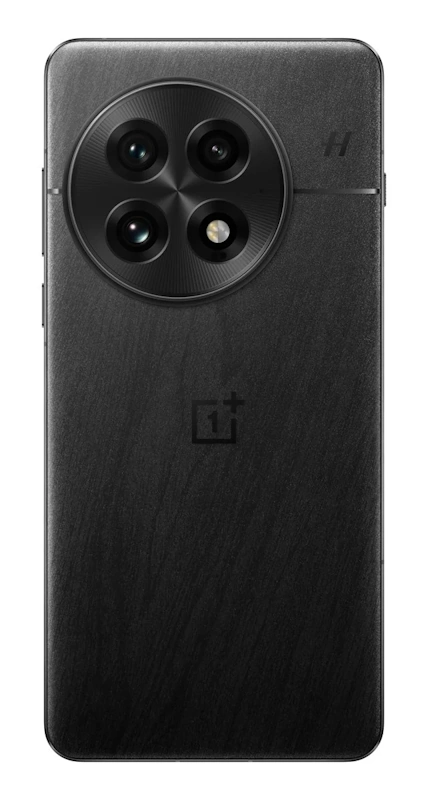
To be fair, the design looks a lot like previous OnePlus phones. The biggest difference is the camera. Compared to earlier models it is very big. It has a triple 50 MP setup and one LED flash module. As you can see one the picture below there is some kind of textures pattern on the back side of the phone. Not sure what to think about, but I don’t care much. I have put my new phone in a cover for protection. Furthermore, the phone has a weight at 210g. My OnePlus 9 was 192g. Overall, I think it is a good-looking phone and it feels like good quality holding it in my hand.
Display
The display is nothing short of amazing. With its 6.82‑inch screen and 120Hz dynamic refresh rate, everything looks sharp and fluid. In fact, the resolution of 3168 × 1440 delivers incredible details. I was afraid that everything would look very small due to the high resolution, but that is not the case at all. In addition, the display comes with Peak brightness up to 4500 nits HDR.
Fingerprint Sensor & Screen Protection
The OnePlus 13 introduces an ultrasonic in-display fingerprint sensor, replacing the optical sensor used in OnePlus 12 and older. In practice, this means faster recognition, fewer failed unlocks, and improved reliability even with damp fingers. Compared with my old OnePlus 9 phone the new sensor is in a different league, when it comes to speed.
However, it comes with a trade-off. My own experiences, with my new phone it is not all good. This new ultrasonic sensor makes it more difficult to buy and install a screen protector. Not that it is impossible, but you will have to be careful when you install it. Also, make sure that you buy a screen protector that support fingerprint sensor. I ended up ordering a Panzerglass screen protector with my phone. It does support for biometric fingerprint. However, the is a small circle just over the fingerprint area. It is a little distracting when the background is very light.
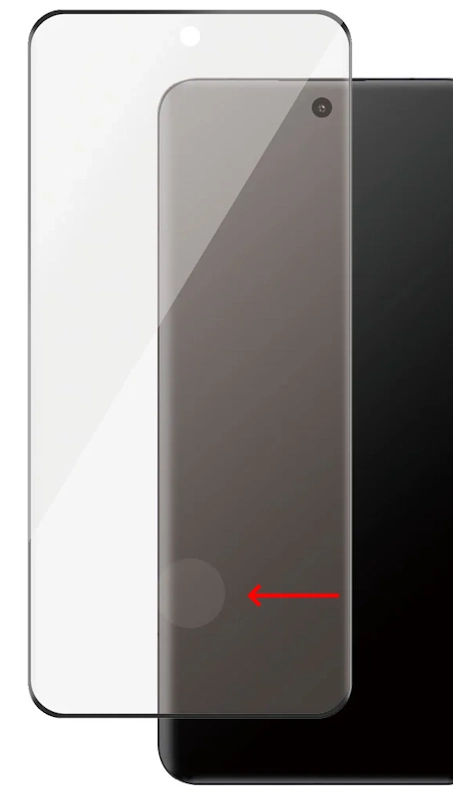
Many of the cheap Screen Protectors simply don’t support the fingerprint scanner on OnePlus 13. Another option, of course, is to skip a screen protector altogether – though that’s a compromise you may not want to make.
Performance
Besides the awesome display, the phone is also very snappy in whatever tasks I give it. Starting apps, playing videos or scrolling through pictures all works like a charm. The processor making this possible is a Qualcomm Snapdragon 8 Elite (Oryon CPU @ 4.32 GHz, Adreno 839 GPU) The phone, in my case, comes with 12 GB RAM and 256 GB storage. It is also available in a 16GB/512BG edition.
Camera
When it comes to smartphone cameras, I am for sure no expert. First of all, I don’t use many of the advanced features available. However, I do think it’s worth exploring the default settings at a minimum. Indeed, there are plenty of options you can tweak, and some of the most useful ones include:
- Watermark – decide whether your photos should carry the OnePlus branding.
- Shutter sound – toggle the click sound on or off.
- Mirror selfie – choose whether selfies are flipped automatically.
- Location tags – decide if your photos should be tagged with GPS data.
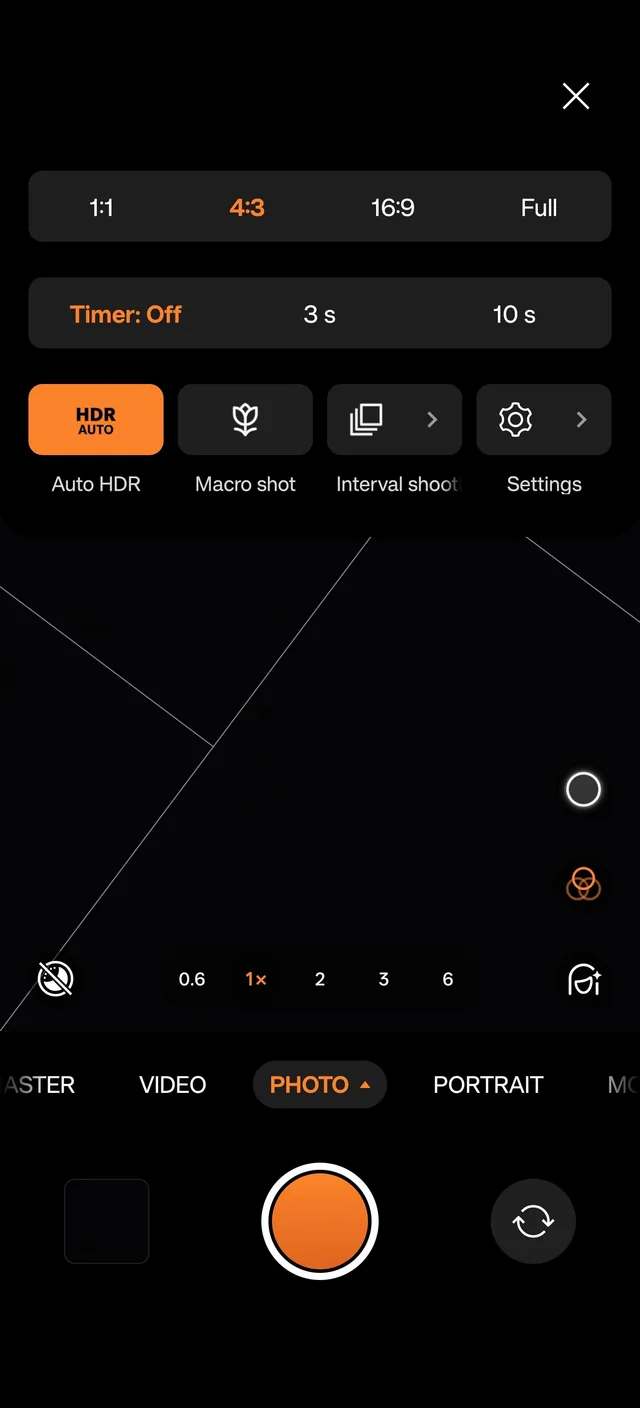
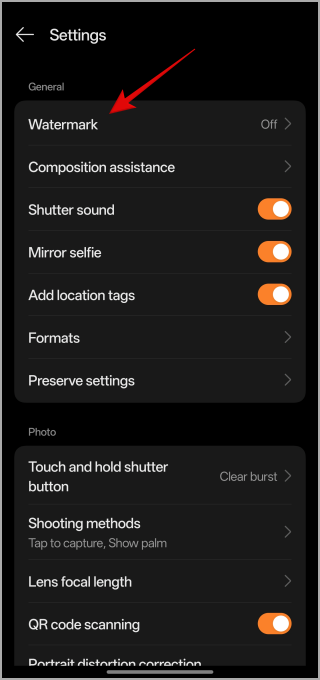
These settings are quick to adjust and can make a big difference in everyday use. For an extended walkthrough of the Camera options & Features, you should check out this video:
Battery Life & Charging
Another thing that makes this phone very powerful is battery at 6000 mAh. Just to compare does the iPhone 15 released same year only have a 3561 mAh battery. Charging is equally impressive, with support for 100W wired and 50W wireless charging speeds.
As mentioned earlier, a charger is not included in the box – only a USB‑C cable. However, you can purchase an official OnePlus charger from the OnePlus Store. Just make sure to choose one that matches your local region’s power outlet standard.
Operating System
The phone is shipped with OxygenOS 15 (based on Android 15). Now that this model is one year old, I could upgrade it to OxygenOS 16 right away. It is expected that this phone should be compliant with up to 4 major Android upgrades.
Pros & Cons
✅ Pros
- Brilliant Screen: Screen is just awesome clear, smooth and vibrant colors.
- Strong Battery Life: One of the biggest battery on the marked.
- Awesome Performance: Smooth multitasking and fast app launch thanks to high-end processor and GPU
- Ultrasonic in-display fingerprint sensor: This new technology is super fast and more secure.
❌ Cons
- Price Point: Premium features come with a high cost compared to mid-range alternatives.
- Camera design: The large rear camera module feels a bit clumsy.
- New Fingerprint Sensor: It comes with a price, when it comes to Screen Protectors.
Verdict of my new OnePlus 13
Overall, the OnePlus 13 has exceeded my expectations. With its brilliant display, powerful performance, and outstanding battery life, it delivers a flagship experience that feels worth every penny. While the design may not break new ground, the essentials are executed flawlessly, making it a reliable upgrade for anyone seeking a high‑end smartphone.
If you have just got yourself a new OnePlus smartphone and are wondering how to get your date moved to the new phone, you might like this post as well: OnePlus Clone Phone The Easy Way to Migrate to new device