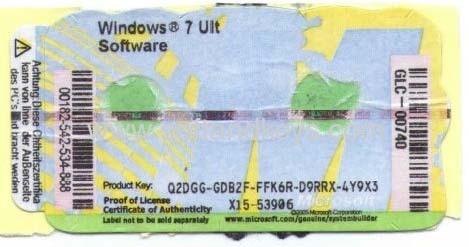
Supported Sometimes it can be convenient to be able to retrieve the Windows Product key from an active Windows installation e.g. if you have lost your Windows COA Sticker or if you can’t read the sticker anymore because it has been damage.
Read MoreCategory: Windows 7
Windows 7 category
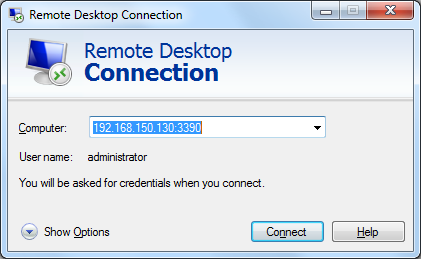
How to change the default port for Remote Desktop
If you like me is a big fan of the Windows feature Remote Desktop, you might find this post interesting. I will tell you how you can change the default port for Remote Desktop making it harder for hackers to attack your computer.
Read MoreToggle the Windows Key On and Off with this Tool
Back in October 2012 I wrote a post about, How to disable the Windows Key in Windows. For the people that feel the key is more trouble than good. The solution to the issue includes making changes to the Windows registry and creating a long binary sequence to make the tweak works. I got some comments to the post asking for an easier way to make this work. I decided to develop a small utility, that make it easier to tweak this little changes to Windows, for users without technical experiences.
Read MoreSearch for large files with Windows Explorer Search
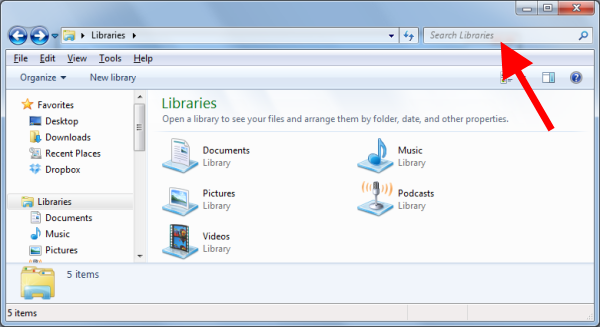
One of the things that I love about Windows 7 is the fast integrated search option built into Windows Explorer. In Windows XP you can Download Windows Desktop Search 4.0. It is working pretty much the same way as in Windows 7, but it is slow and takes up a lot of system resources.
Read MoreHow to analyze Windows BlueScreen of Death (BSOD)
Need help to fix BlueScreen of Death? In this post I will introduce you to a great little free tool called WhoCrached. WhoCrashed is a great tool I recently came across looking for a solution to a problem I had. What this program can do is to analyze the dump files created by Windows when it crash making a Blue Screen of Death (BSOD). Afterwards, you can use it, to tell where to look in order to fix the issue so it don’t happens again.
Read More