
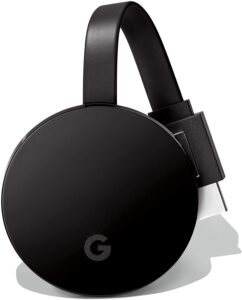
Identify which generation of Chromecast you have and how you tell the difference.
Google Chromecast explained
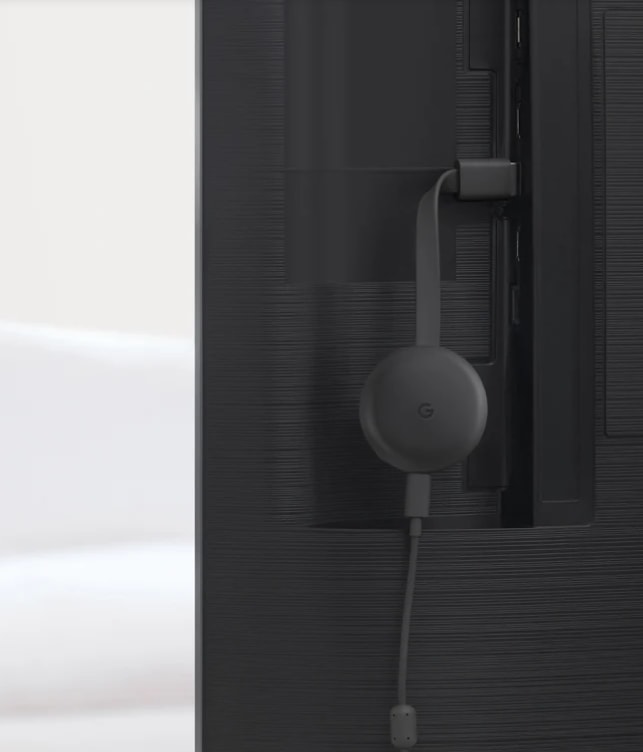
Google Chromecast is a small electronic device, that let you steam online video. your TV from your smartphone, tablet or laptop using wi-fi. You simply attach the device on the back of your TV, using a HDMI and a USB port. Chromecast where first released in 2013 and have been improved over the years. The smart thing about the Chromecast is that you only have to start the video from your phone/tablet and can then, turn off the screen, meaning that you will not drain your phone/tablet for power while watching a movie/video.
You can use Google Chromecast to cast video from streaming services like, Netflix, YouTube, HBO, Plex, Spotify, Vevo etc. For more information about Chromecast click here.
Generation Compare
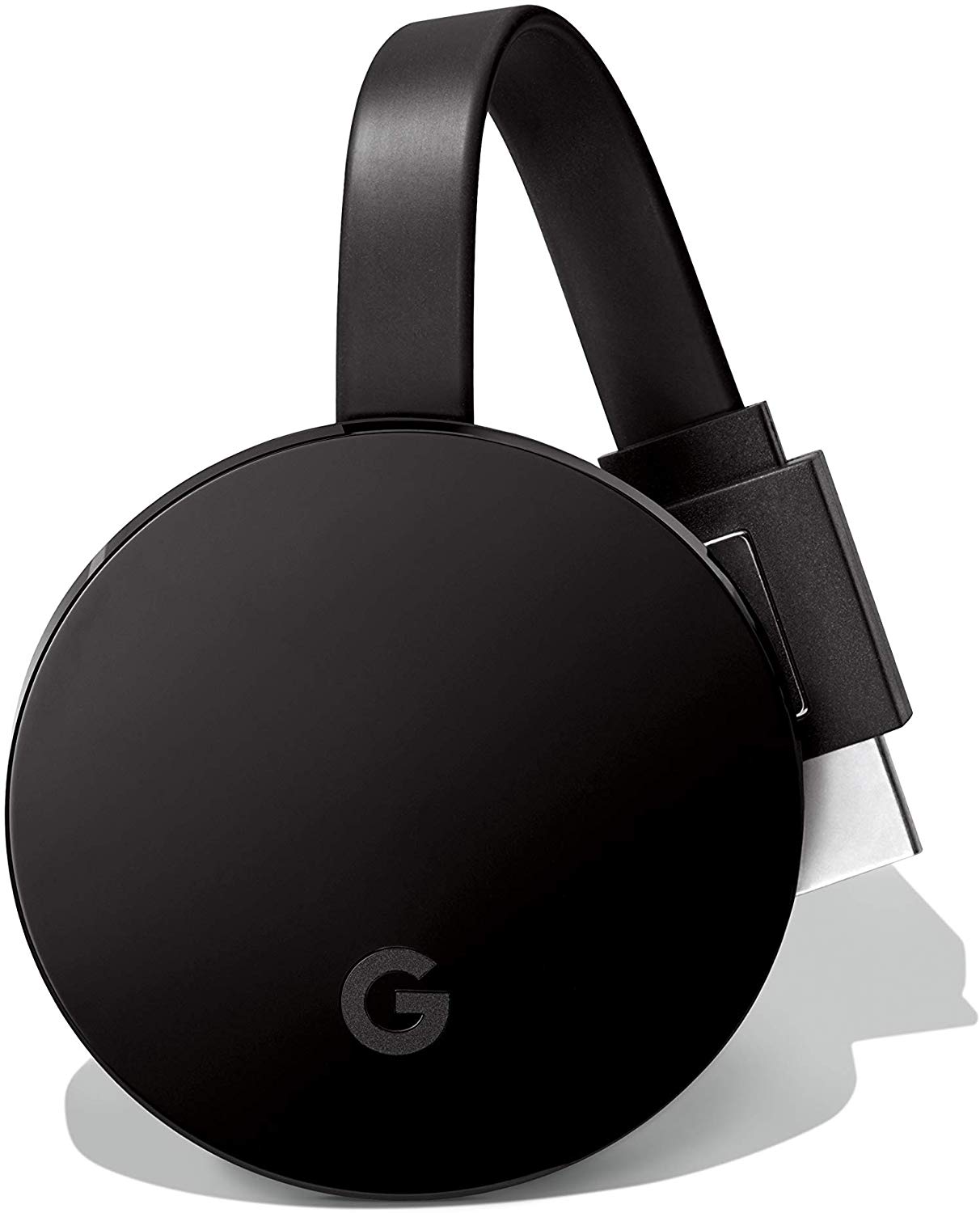
Below you can see all the Chromecast generations and specifications. Be aware, that the Chromecast Ultra is not named 3rd Generation despite the fact, it was released a year after the 2nd generation and 2 years before 3rd generation Chromecast.
| Edition | Chromecast 1st gen. | Chromecast 2nd gen. | Chromecast Audio | Chromecast Ultra (4K) | Chromecast 3rd gen. |
| Release date | July 24, 2013 | Sep. 29, 2015 | Sep. 29, 2015 | Nov. 6, 2016 | Oct. 10, 2018 |
| Launch price | $35 | $35 | $35 | $69 | $35 |
| Display | 1080p @ 30fps or 720p @ 60fps | 1080p @ 60fps | N/A (audio only) | 4K Ultra HD | 1080p @ 60fps |
| Connectivity | HDMI (can use CEC) | HDMI (can use CEC) | Combined 3.5 mm audio jack and mini-TOSLINK socket | HDMI (can use CEC) | HDMI (can use CEC) |
| Wi-Fi | 802.11 b/g/n @ 2.4 GHz | 802.11 b/g/n/ac @ 2.4/5 GHz | 802.11 b/g/n/ac @ 2.4/5 GHz | 802.11 b/g/n/ac @ 2.4/5 GHz | 802.11 b/g/n/ac @ 2.4/5 GHz |
| Weight | 34 g | 39.1 g | 30.7 g | 47 g | 40 g |
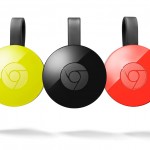
| Colors | Gray | Yellow, Black or Red | Black | Black | Gray |
| Model Number | H2G2-42 | NC2-6A5 | RUX-J42 | GA3A00403A14 | NC2-6A5B GA00439 |
Chromecast Ultra
Chromecast Ultra is featured with upgraded hardware that supported streaming of 4K resolution content. In addition, Google has stated that the Chromecast Ultra loads video 1.8 times faster, than previous models. Unlike previous models the Ultra version can’t be powered through a USB port. As a result, the Ultra requires the use of the included power supply for connecting to a wall outlet. Furthermore, does the power supply also offers an Ethernet port for a wired connection to accommodate the fast network speeds needed to stream 4K content. Be aware that the Chromecast Ultra cost almost double the price of the other models.

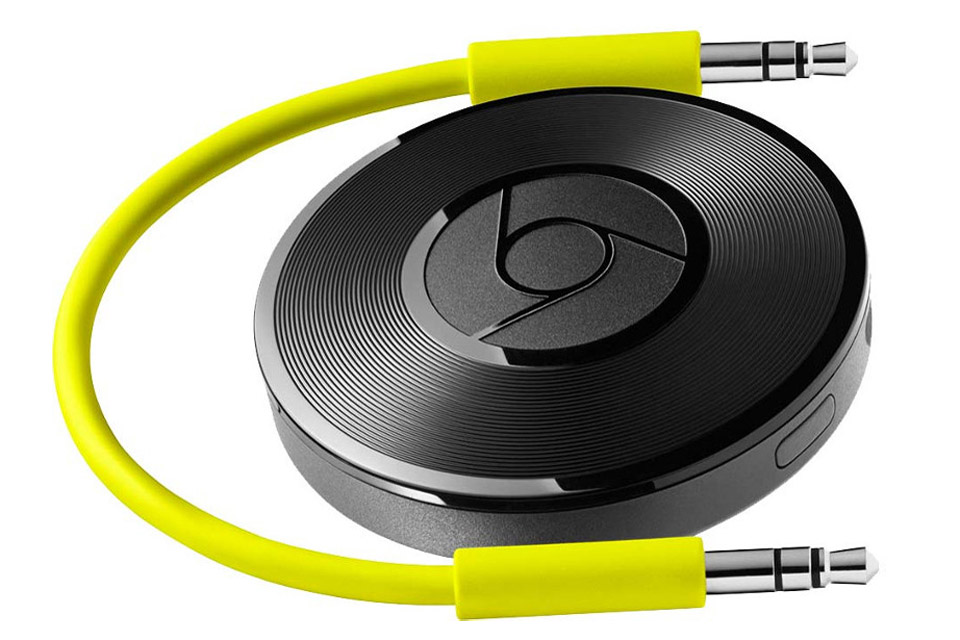
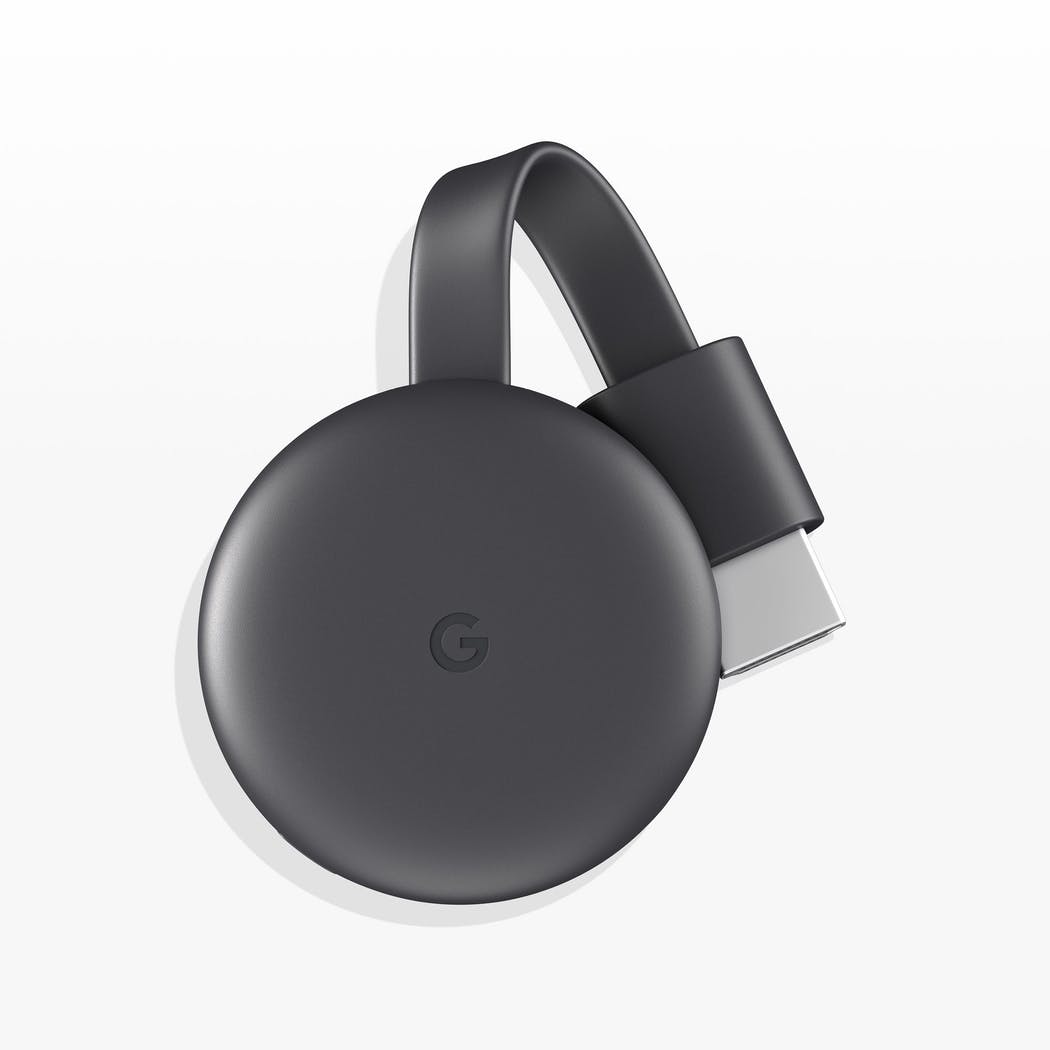
See also: Compare Gen 1 vs Gen 2 or Chromecast Gen. 2 Stopped Working (Issue fixed)
How to Identify version
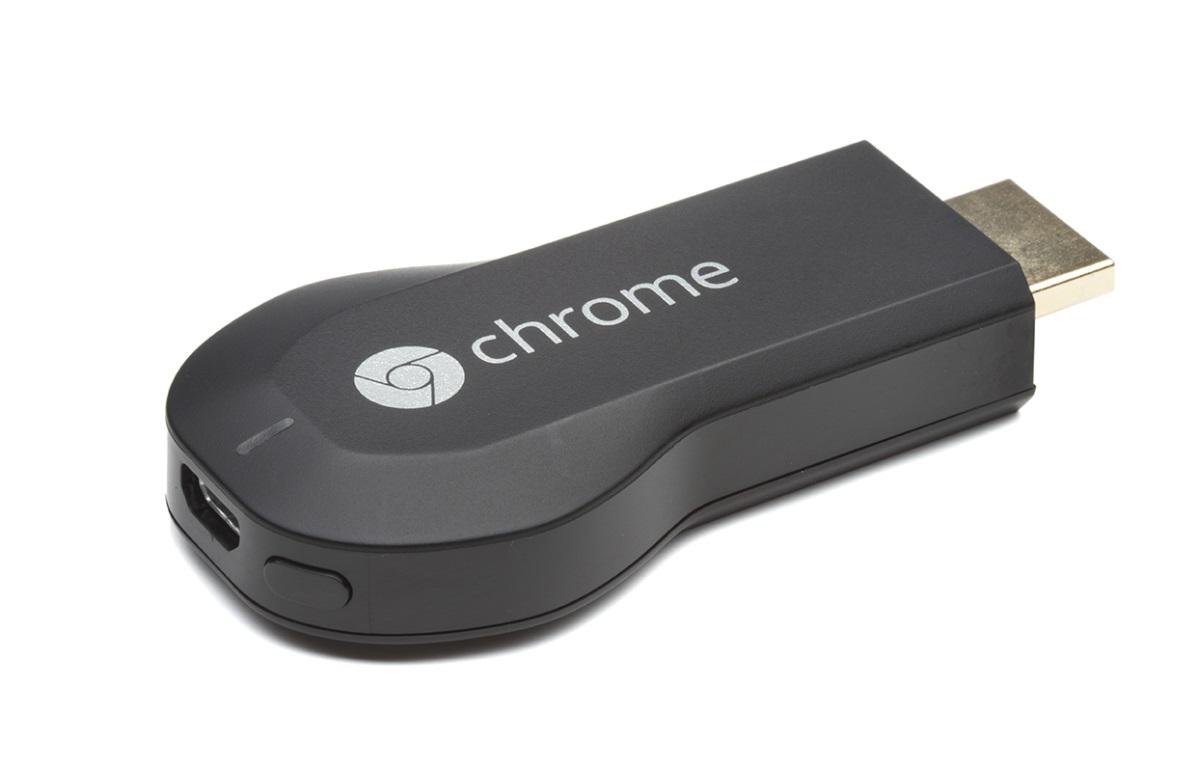
To begin with, identify your model is easy. Just take a look on the back of your Chromecast device. Here you can find your model and look in the table above to see what version you have. In the case below it is an Audio model (Model: RUX-J42).
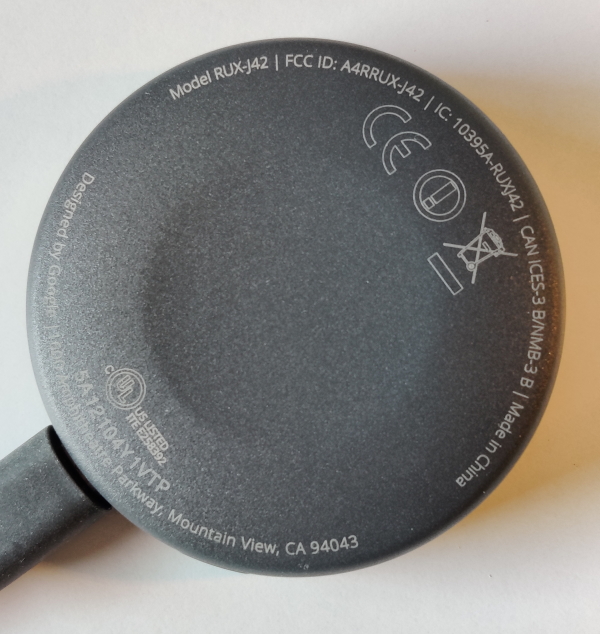
Can’t access it physically? Maybe it is stocked behind a wall mounted TV. Don’t worry, you can also use the Google Home app to find the model number:
Google Home → Select device → Settings → Device information → Model / Firmware
However, this require it to be turned on and connected to your wi-fi.
Which Chromecast should you buy in 2020?
Well, that all depend on your needs. If you just want to listen to Music, it is obviously a the Audio edition. However, if you want to stream 4K, it is only the Chromecast Ultra that is up for the task. If you don’t have a 4K TV and don’t plan to buy one anytime soon, you can just go for the cheaper 3rd generation Chromecast. 1st and 2nd generation is no longer available for sale.
The future of Chromecast
Google has, as far as I know, not announced any plans for a new generation of Chromecast in the near future. With 3rd release back in October 2018 you would think that it soon will be time for a new generation to keep up with technology of streaming trends. We will have to wait and see if Google will announce an update later this year.
FAQ
Is Chromecast discontinued?
Yes, Google has retired the Chromecast brand, but existing devices still receive updates.
Does Chromecast Audio still work?
It works, but some unit experienced certificate failures in 2025. However, this issue where later fixed with an update from Google.
Is Chromecast Ultra still worth buying?
I don’t believe you can find it anywhere and it’s discontinued. You should look at the Google TV Streamer 4K instead.
Questions or Comments
If you have any questions or comment about Chromecast please drop me a comment below.

Is Chromecast 1st Generation still functioning ? I am trying to re install one (I have reset factory settings) & i cant install. I have followed the google instructions on line. It appears my iphone & chromecast cant connect. My internet works ok Thanks
Hi David
I don’t have a 1st generation anymore, but I don’t see why it should not work any more. Be aware that 1st generation did not have support for 5Ghz Wi-fi, but only 2.4Ghz. Maybe that could be your issue?
I have a Chromecast Ultra with model # NC2-6A5-D. It streams in 4K and reminds me of this fact every time I plug in the wrong power cord (from my older Chromecast); I get a warning at the bottom of the screen that says “Non-standard power supply detected: To stream in 4K, use the power supply included with Chromecast Ultra”
My chromecast 3rd gen, says NC2-6A5 , I’m not sure you model numbers are correct.
Hi Jon
Thanks for letting me know. I have just checked up on this matter. As far is I can see Gen 2 is: NC2-6A5 and Gen 3 is model: NC2-6A5B GA00439
Source: https://en.wikipedia.org/wiki/Chromecast