
With WMIC commands you can get all kind of information about your computer.
Fun with wmic command-line tool
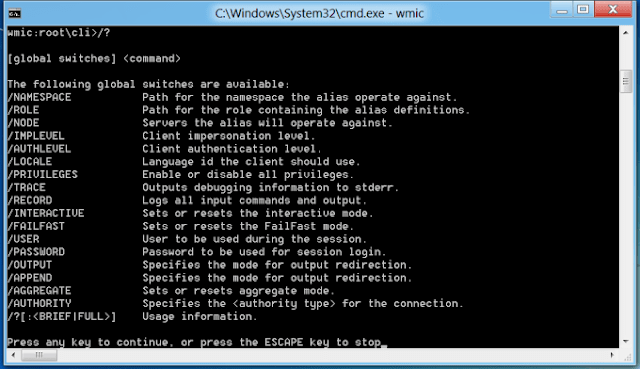
With the WMIC (Windows Management Instrumentation Command-line) command line tool you can access a lot of information about your computer. The command-line tool has been built into Windows since Windows XP. Below you can see a couple of command you can check out to get started with WMIC.
C:\>wmic cpu get name
Returns eg. : Intel(R) Core(TM) i7 CPU 930 @ 2.80GHz
C:\>wmic BIOS get name
Returns eg. : BIOS Date: 03/23/10 15:17:30 Ver: 08.00.15
C:\>wmic cpu get description, maxclockspeed, extclock, manufacturer, revision /format:table > info.txt
Returns a text file named info.txt with CPU information about the PC.
For more information about WMIC see:
http://technet.microsoft.com/en-us/library/bb742610.aspx