How to download videos from YouTube

In this post, I will show you how you can easily download videos from YouTube and convert them to local video files on your hard drive, making you able to play them when you are offline. Let it be said right away. A lot of the videos on YouTube is copyright protected and are not for you to download, but there is also a lot of videos you can download for free and watch later when you are offline or bring the with you were ever you go. You are very welcome…

Read More

Toggle the Windows Key On and Off with this Tool

Back in October 2012 I wrote a post about, How to disable the Windows Key in Windows. For the people that feel the key is more trouble than good. The solution to the issue includes making changes to the Windows registry and creating a long binary sequence to make the tweak works. I got some comments to the post asking for an easier way to make this work. I decided to develop a small utility, that make it easier to tweak this little changes to Windows, for users without technical experiences.

Read More

How to fix a broken installation of a Windows Program

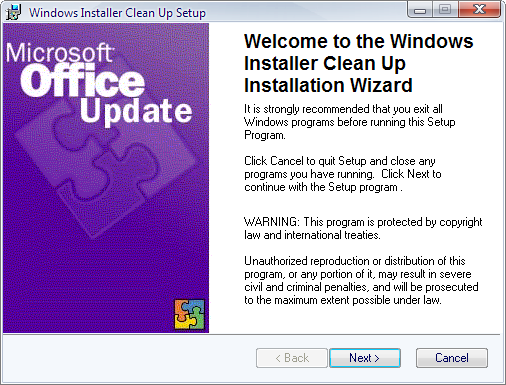
Have you ever tried updating a Windows program that uses Windows Installer (MSI) technology and no matter what you do you fail to complete the task? You can’t uninstall, update or remove the program because some files are missing or the Windows Installer database is corrupt. No matter what you do you are stuck with a broken installation. That is where the Installer CleanUp Utility comes to the rescue.

Read More

How to get started creating scripts with WMI Code Creator

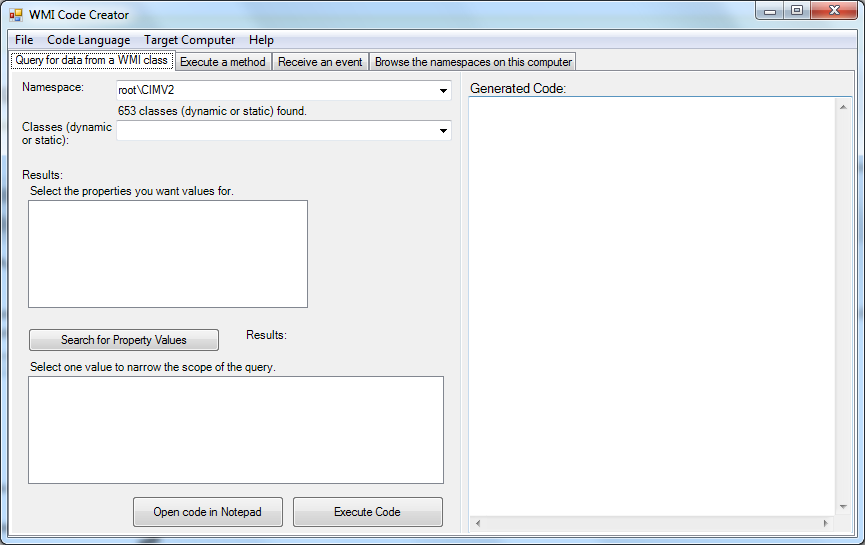
In this post I will introduce you to a great little tool from Microsoft. With this tool I can help you getting started creating WMI scripts in C#, Visual Basic or VB script. The tool is free and can help you creating small scripts, with which you can collect data from WMI or execute commands on local or remote computers. Scripting against the WMI namespace, can do a lot of cool stuff.  As well as collecting information about Operating system or Hardware information. It is also possible to execute commands…

Read More

How to analyze Windows BlueScreen of Death (BSOD)

Need help to fix BlueScreen of Death? In this post I will introduce you to a great little free tool called WhoCrached. WhoCrashed is a great tool I recently came across looking for a solution to a problem I had. What this program can do is to analyze the dump files created by Windows when it crash making a Blue Screen of Death (BSOD). Afterwards, you can use it, to tell where to look in order to fix the issue so it don’t happens again.

Read More